Files, images, audio, and video
The right-side file panel displays the current conversation's real workspace tree and previews supported formats.
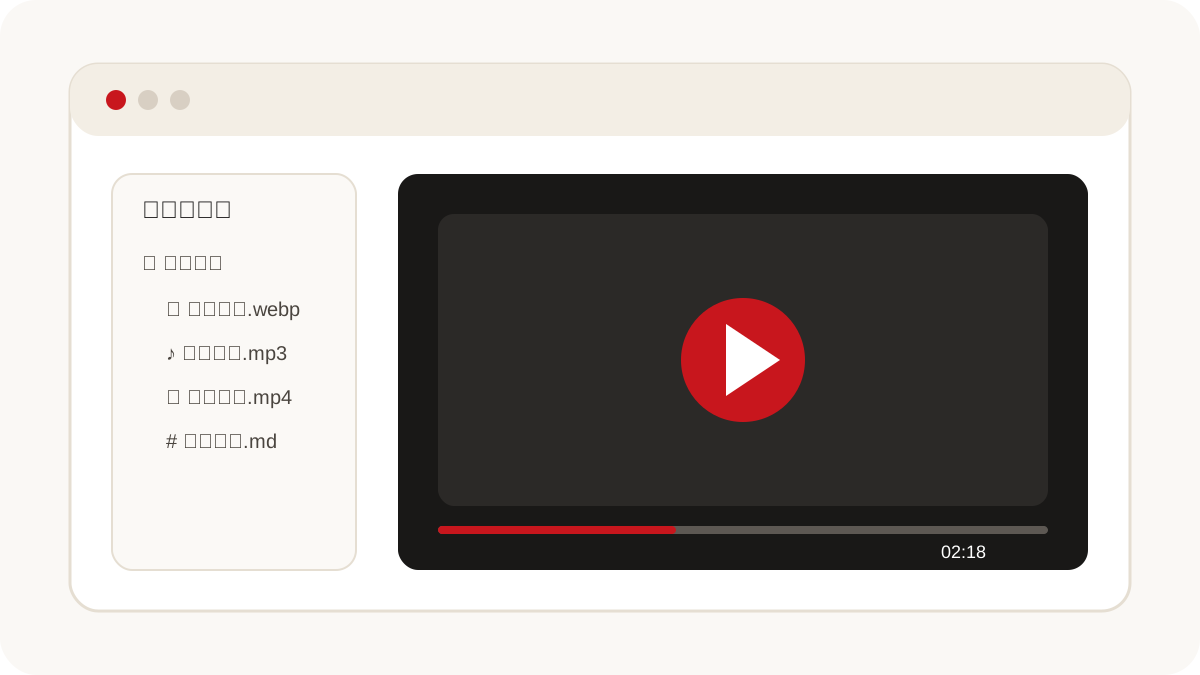
Common supported formats
- Images: PNG, JPEG, GIF, WebP, and other common browser formats;
- Audio: MP3, WAV, OGG, M4A, AAC, and FLAC;
- Video: MP4, WebM, MOV, and M4V;
- Documents and code: Markdown, Mermaid, and common text or source files.
Recognizing a file extension does not guarantee that the operating system's Chromium build includes its codec. Convert incompatible media to a broadly supported H.264/AAC MP4 or WebM file.
Use the preview
- Open the file panel on the right side of a conversation.
- Search or expand folders and select a file.
- Images and media load inside the application. Unsupported files remain visible, with preview disabled.
Media in the help center
Help pages support images with descriptive alternative text and HTML5 video with controls, posters, captions, and download fallbacks. Large videos use stable object storage or a CDN, and the article remains readable if media cannot load.